How to Track Leads Without Excel in 2026 - Smart CRM for Indian Businesses
It's Monday morning, aur aapke paas 50 new Meta Ads leads aaye hain. By the time you copy-paste them from Excel, 15 leads already went cold. Sound familiar? 78% of Indian small businesses lose leads because of spreadsheet chaos - multiple versions, no follow-up reminders, zero automation. The question isn't "Excel kaam kar raha hai?" anymore. It's "kitne leads aap already kho chuke ho?"
What is Lead Tracking Without Excel?
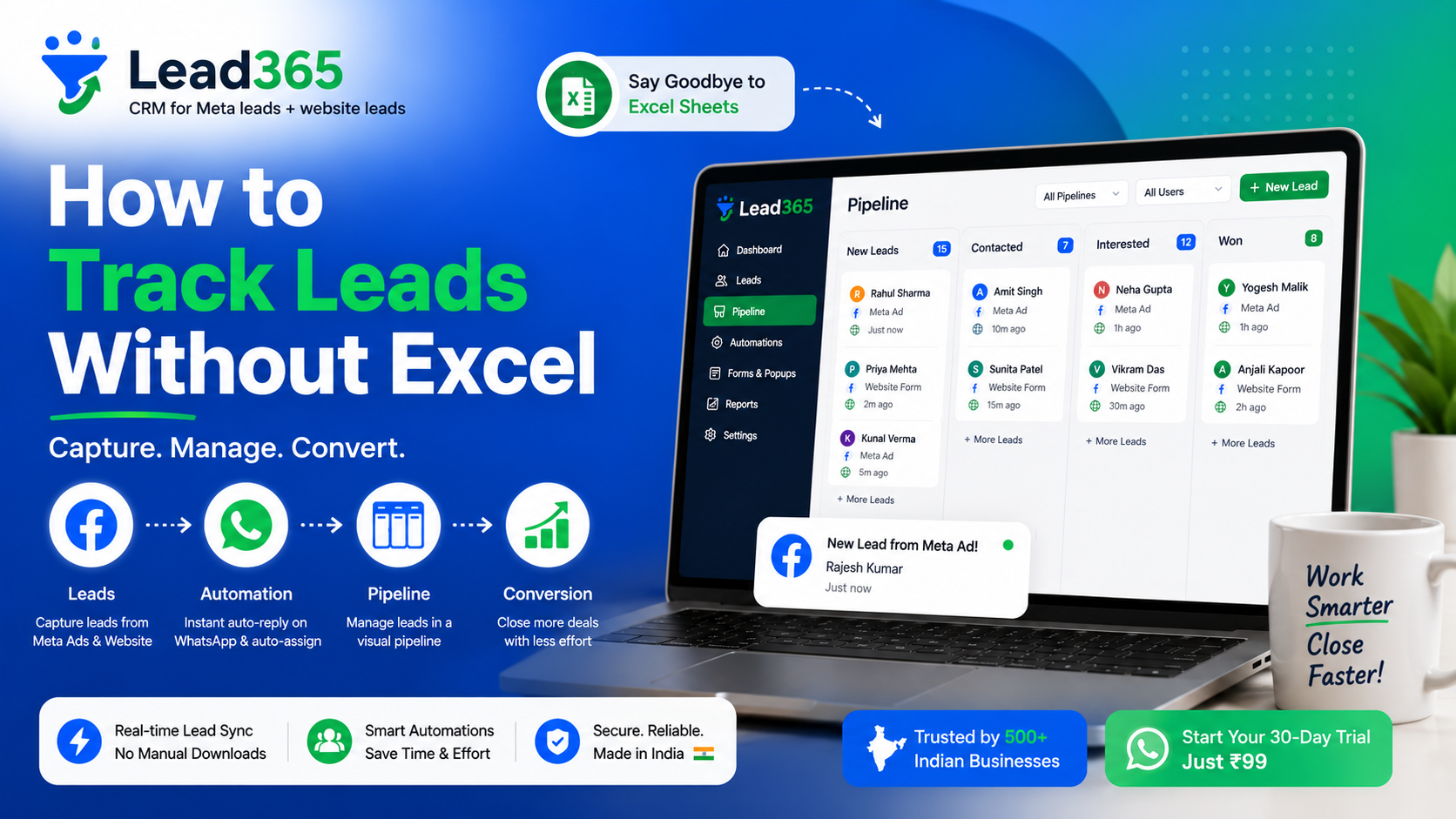
Lead tracking without Excel means using dedicated lead tracking software or CRM systems that automatically capture, organize, and nurture leads from sources like Meta Ads, WhatsApp, and website forms - without manual data entry. Instead of updating spreadsheets, you get real-time notifications, automated follow-ups, and complete lead history in one dashboard. Think of it as having a personal assistant who never forgets a lead or misses a follow-up.
Why Excel Fails at Lead Tracking (And Why It Matters Now)
The Real Cost of Excel-Based Lead Management
Excel wasn't built for lead tracking in 2026. Here's the brutal truth:
1. Manual Data Entry = Leads Slip Through When you're running Meta Ads campaigns targeting Gurgaon, Delhi, or Mumbai, leads come in at odd hours. Excel doesn't send you notifications at 11 PM when someone fills your form. By morning, that hot lead is already talking to your competitor.
2. No Collaboration = Team Confusion Sales team ka version alag, marketing ka alag. "Yaar, maine follow-up kar diya tha" vs "Mujhe toh pata hi nahi chala" - this is the daily reality. Multiple Excel files = zero accountability.
3. Zero Automation = Wasted Time According to HubSpot's research, sales teams spend 17% of their time on manual data entry. For a 10-person agency, that's literally 2 full employees just doing copy-paste.
4. No Lead Scoring = Chasing Wrong Leads Excel can't tell you which lead is hot vs cold. That real estate lead who checked pricing page 5 times? Lost in row 247.
What Indian Businesses Actually Need
- Meta Ads integration (because 80% Indian SMBs run Facebook/Instagram ads)
- WhatsApp tracking (because yahan sab WhatsApp pe baat karte hain)
- Mobile-first (your sales team is on the field, not desktop)
- Affordable (₹99-999 range, not ₹25,000/month)
Step-by-Step Guide: How to Track Leads Without Excel
Step 1: Choose the Right Lead Tracking System
Not every CRM is built for Indian businesses. Look for:
- Direct Meta/Facebook Lead Ads integration (no Zapier middleman)
- Indian payment methods (UPI, Razorpay - not just credit cards)
- Hindi/Hinglish support in interface
- Mobile app for on-field teams
- Affordable pricing under ₹1,000/month for startups
Popular options:
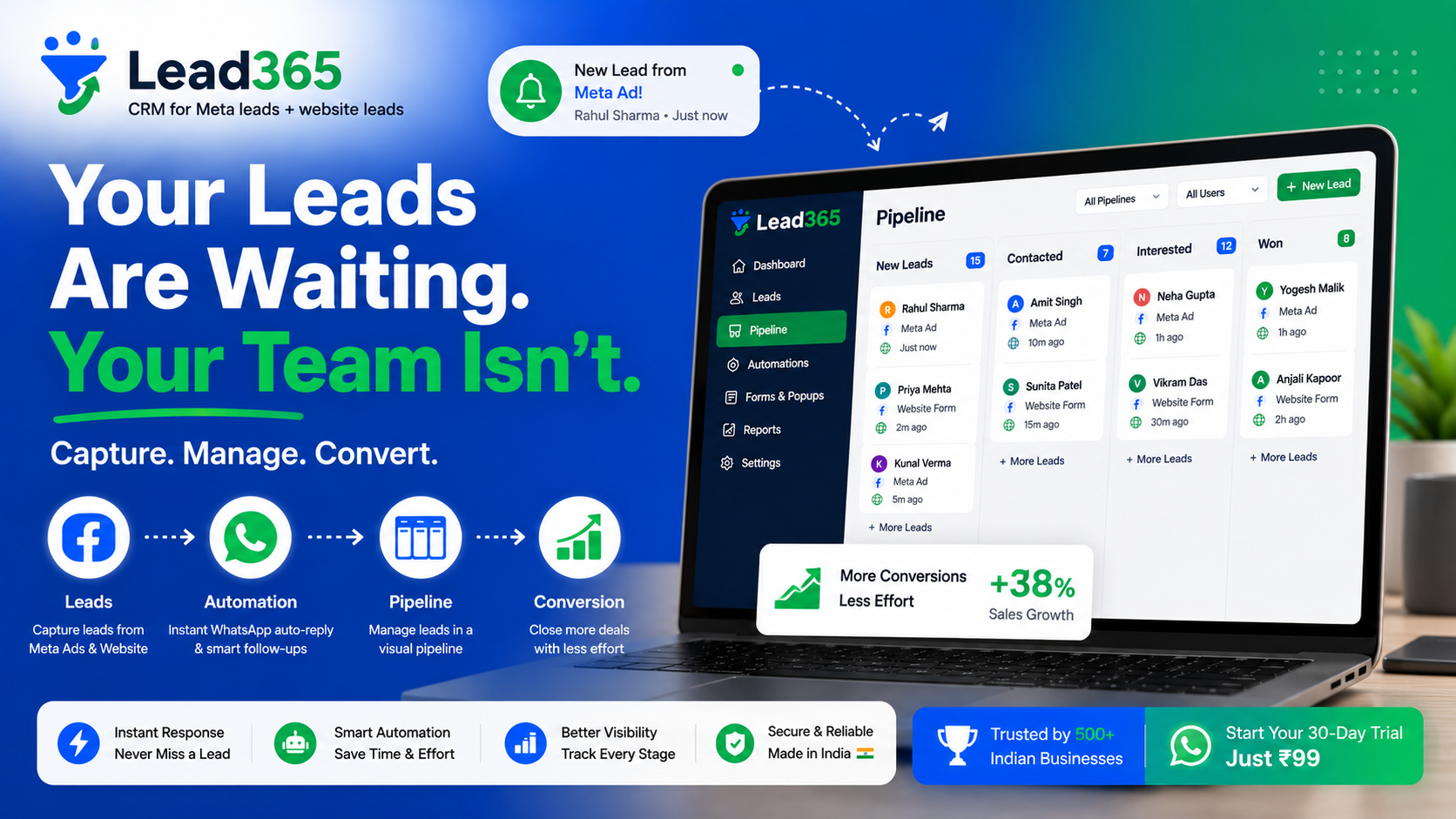
- Lead365 - Built specifically for Indian SMBs using Meta Ads (starts at ₹99)
- Zoho CRM - Good but complex for small teams
- Leadsquared - Expensive for agencies under 10 people
Step 2: Connect Your Lead Sources Automatically
Manual copy-paste band karo. Here's how:
For Meta Ads Users:
- Go to your CRM's integration settings
- Connect Facebook Business Manager (one-time setup)
- Select lead form campaigns
- Boom! Leads flow directly into your CRM within 30 seconds
For Website Forms: Embed tracking code or use webhooks. Google's documentation shows form tracking best practices.
For WhatsApp Business: Use CRM platforms that offer WhatsApp API integration (Lead365, Wati) - leads from WhatsApp catalog directly enter your system.
Step 3: Set Up Lead Stages & Assignment Rules
Stop the "yeh lead kiski hai?" confusion:
New Lead → Contacted → Qualified → Proposal Sent → Won/LostAuto-assignment rules example:
- Gurgaon leads → Salesperson A
- Budget > ₹50K → Senior Sales Manager
- Real estate category → Specialist team
Step 4: Create Automated Follow-Up Sequences
The magic sauce! Set it once, forget it:
Day 0: Lead comes in → Instant WhatsApp/SMS "We received your inquiry"
Day 1: Auto-email with case studies
Day 3: Reminder for sales call
Day 7: Last follow-up before marking "Cold"
Isse koi lead kabhi nahi chhutega.
Step 5: Track Everything That Matters
Your dashboard should show:
- Lead source (Meta Ads campaign name, specific ad set)
- Lead quality score (based on form responses)
- Response time (industry standard: under 5 minutes)
- Conversion rate by source
- Revenue per lead source
[IMAGE PLACEHOLDER: Mobile phone showing CRM dashboard with lead notifications, follow-up tasks, and conversion metrics] ALT TEXT: Mobile CRM app interface displaying real-time lead notifications, pending tasks, and lead source analytics for Indian business
Lead Tracking Software vs Excel: The Real Comparison
| Feature | Excel | Lead Tracking Software |
|---|---|---|
| Meta Ads Integration | Manual copy-paste | Automatic (30 sec delay) |
| Mobile Access | Limited, formatting breaks | Native mobile apps |
| Follow-up Reminders | Manual calendar entries | Automated notifications |
| Team Collaboration | Version conflicts | Real-time updates |
| Lead Scoring | Manual formulas (breaks often) | AI-powered scoring |
| WhatsApp Integration | None | Direct chat tracking |
| Cost | Free (but costs you leads) | ₹99-999/month |
| Setup Time | Ongoing maintenance | 15-minute one-time setup |
Truth bomb: Excel is "free" the same way a bicycle is free transport for a 100km journey. Technically yes, practically no.
Best Lead Tracking Tools for Indian Small Businesses
Lead365 - Built for Indian Meta Ads Users
Specifically designed for businesses running Facebook/Instagram lead campaigns:
- Meta Ads native integration (no third-party tools needed)
- Starts at ₹99/month (cheaper than one lost lead)
- Hindi + English interface
- WhatsApp notifications for every new lead
- Mobile-first approach for field sales teams
Best for: Real estate agencies, education consultants, coaching institutes, small marketing agencies
CTA: Start Your ₹99 Trial Today - No Credit Card Required →
When to Use What
Choose Lead365 if:
- Running Meta Ads campaigns
- Team under 20 people
- Need simple, affordable solution
- Want Indian support (time zones matter!)
Choose Zoho/Salesforce if:
- Large enterprise (50+ team)
- Complex sales cycles (6+ months)
- Need heavy customization
- Budget > ₹50,000/month
Pro Tips for Lead Tracking Success
1. Response Time is Everything
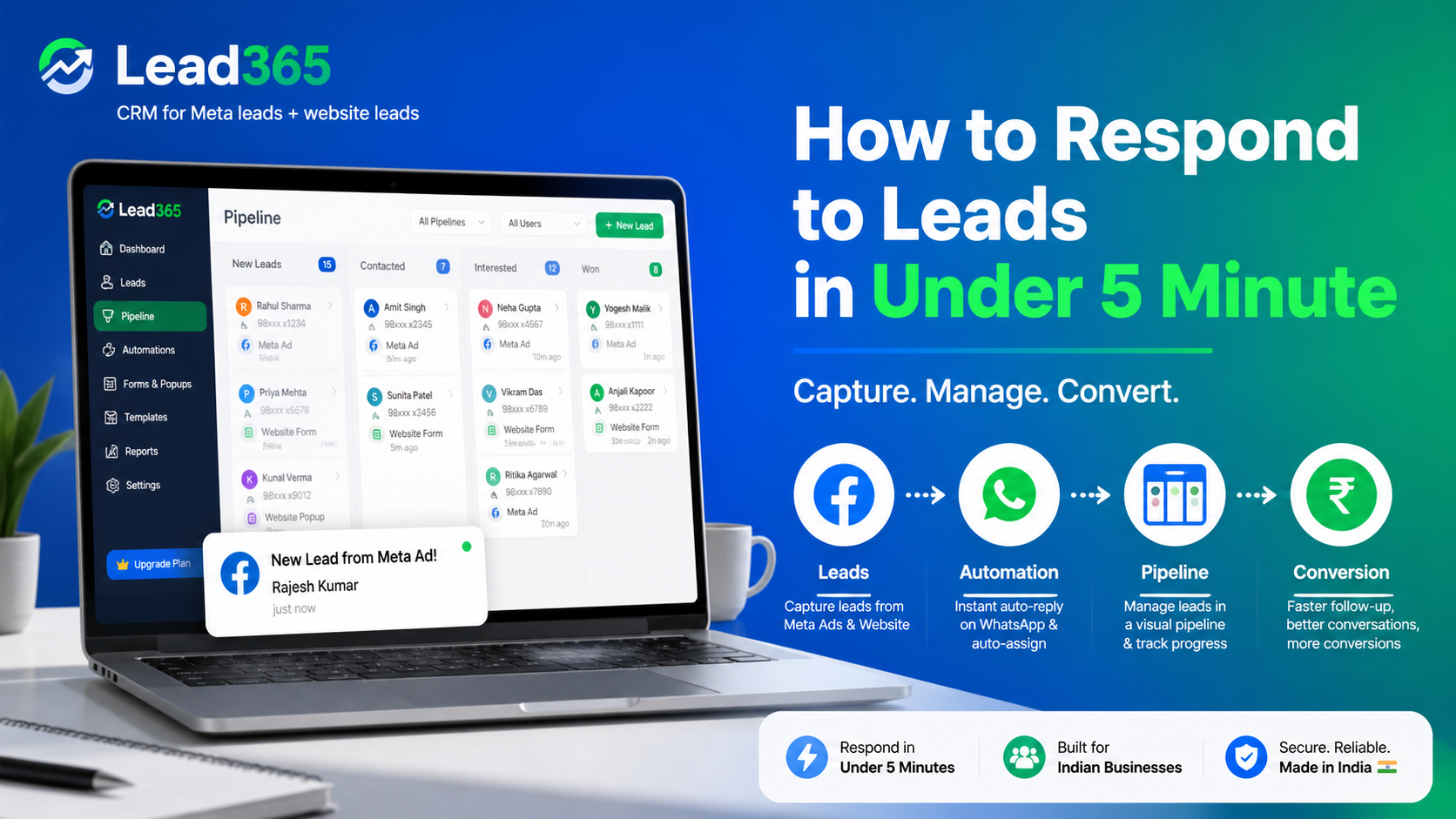
Harvard Business Review study found that responding within 5 minutes increases conversion by 400%. Your CRM should send mobile notifications, not email (jo log 2 ghante baad check karte hain).
2. Qualify Leads Faster
Add pre-qualification questions to your Meta Ads lead forms:
- Budget range
- Timeline (urgent vs research mode)
- Decision maker? (yes/no)
This data automatically flows to your CRM, helping prioritize follow-ups.
3. Use Lead Source Tracking
Tag every lead with UTM parameters or campaign IDs. You'll discover that "Diwali Offer Instagram Ad" converts 3x better than generic posts.
Internal resource: Learn more about lead automation features →
4. Clean Your Database Monthly
Even in CRM, dead leads accumulate. Monthly cleanup:
- Mark unresponsive leads as "Cold"
- Archive leads older than 6 months
5. Train Your Team Properly
Best CRM bhi fail ho jaata hai if your team isn't trained. Weekly 15-minute huddles:
- How to update lead status
- When to escalate
- Using mobile app effectively
Internal resource: Check pricing for team plans →
Take Action: Stop Losing Leads Today
Excel se lead track karna is like using a Nokia 3310 in 2026 - technically works, practically outdated. The businesses winning today aren't smarter, they're just using smarter tools.
Your next steps:
- Calculate your lead leakage: How many leads did you miss following up last month? (Be honest)
- Try Lead365 free for 14 days - Import your Excel data in 10 minutes
- Connect your Meta Ads account - Watch leads flow automatically
- Set up one follow-up automation - See conversion rate jump
The ₹99/month you invest pays for itself with just ONE extra conversion.
Start Your Free Trial - No Credit Card Required →
Internal links:
- Compare lead tracking features in detail →
- See automation workflows in action →
- Read customer success stories from Indian businesses →
External references:
Remember: Har missed follow-up = lost revenue. CRM isn't expense, it's insurance against lead leakage.
Still using Excel? That's okay. Just know your competitors already moved on. 🚀
Frequently Asked Questions.
Entry-level lead tracking systems start at ₹99-499/month for small teams (under 10 users). Mid-tier options like Zoho CRM range from ₹1,200-2,400/user/month. Enterprise solutions (Salesforce, Leadsquared) cost ₹25,000+ monthly. For Indian SMBs running Meta Ads, platforms like Lead365 offer complete functionality at ₹99/month with no per-user charges.
Yes. Modern CRM platforms offer WhatsApp Business API integration that automatically logs chats, sends automated messages, and tracks lead conversations. This is crucial for Indian businesses since 70% of lead communication happens on WhatsApp. Look for platforms with native WhatsApp integration rather than third-party connectors.
No. Even solo entrepreneurs benefit from basic CRM because of automation and follow-up reminders. The break-even point is just 20 leads per month - at that volume, manual Excel tracking costs more in lost opportunities than a ₹99 CRM subscription. Excel makes sense only if you have under 10 leads monthly with zero follow-up needs.
Most CRM platforms offer CSV import functionality. Export your Excel data as CSV (File → Save As → CSV format), map columns (Name, Phone, Email, etc.) to CRM fields, and import. One-time process takes 10-15 minutes. Some platforms like Lead365 offer free data migration assistance for new customers.
Use a centralized lead tracking system with multi-channel integration. The setup: Connect Meta Ads via native integration, add website form tracking code, enable WhatsApp Business API. All leads flow into one dashboard with automatic "Source" tagging. This gives you ROI clarity - which channel drives highest-quality leads. Avoid using separate tools for each channel (creates the same chaos as Excel).
Ready to Stop Losing Leads?
Try Lead365 Pro for just ₹99. All features, 30 days, cancel anytime.
Start ₹99 Trial →