WhatsApp Business Automation for Lead Follow-Up: The Complete India Guide
In the Indian business landscape, the traditional sales call is under siege. With the rise of spam-blocking apps and a general "caller fatigue," your potential customers are increasingly ignoring calls from unknown numbers. However, there is one place where they are always present, always engaged, and always checking notifications: WhatsApp.
If you are running Meta Ads or Google Ads and still relying purely on manual phone calls for follow-up, you are leaving 70% of your revenue on the table. This is why WhatsApp automation lead follow-up India has become the single most important technology for SMEs, builders, and educational institutes.
This comprehensive guide will break down everything you need to know about automating your WhatsApp lead follow-up to ensure 24/7 engagement and 3X higher conversion rates.
What is WhatsApp Automation for Lead Follow-Up?
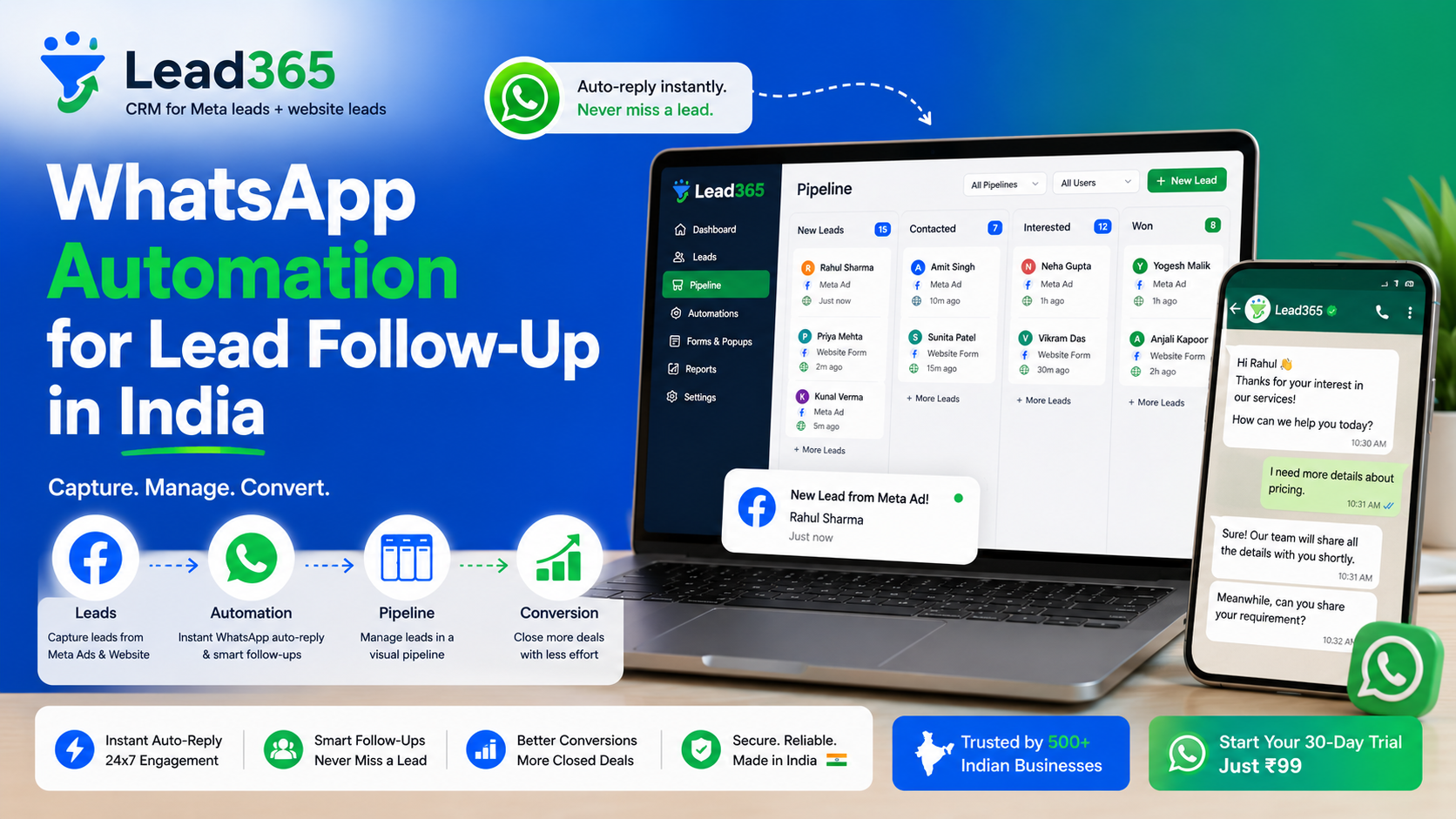
WhatsApp automation for lead follow-up is a technology-driven process where a pre-programmed message is instantly sent to a prospect via the WhatsApp Business API the moment they submit an inquiry form (on Facebook, Instagram, or a website). Unlike manual messaging, this system works 24/7, requires zero human intervention for the initial touchpoint, and uses Meta-approved templates to ensure your business number never gets banned.
In short, it is the bridge that connects your marketing spend to a real-time conversation.
Why India is the World’s Biggest Market for WhatsApp Automation
India has over 500 million active WhatsApp users. For most Indians, WhatsApp is the internet.
- 98% Open Rate: Compare this to the 10-15% open rate of emails.
- The Trust Factor: A professional WhatsApp Business profile with a green tick or a verified logo builds more trust than a random phone call.
- Vernacular Reach: Automation allows you to send follow-ups in regional languages (Hindi, Marathi, Tamil, etc.) based on the user's location, which is critical for the Indian "Bharat" market.
- Asynchronous Communication: Indian customers are busy. They might not want to talk to a salesperson while in a meeting, but they will happily scan a brochure sent on WhatsApp.
How Does WhatsApp Automation Work for Leads? (The Logic)
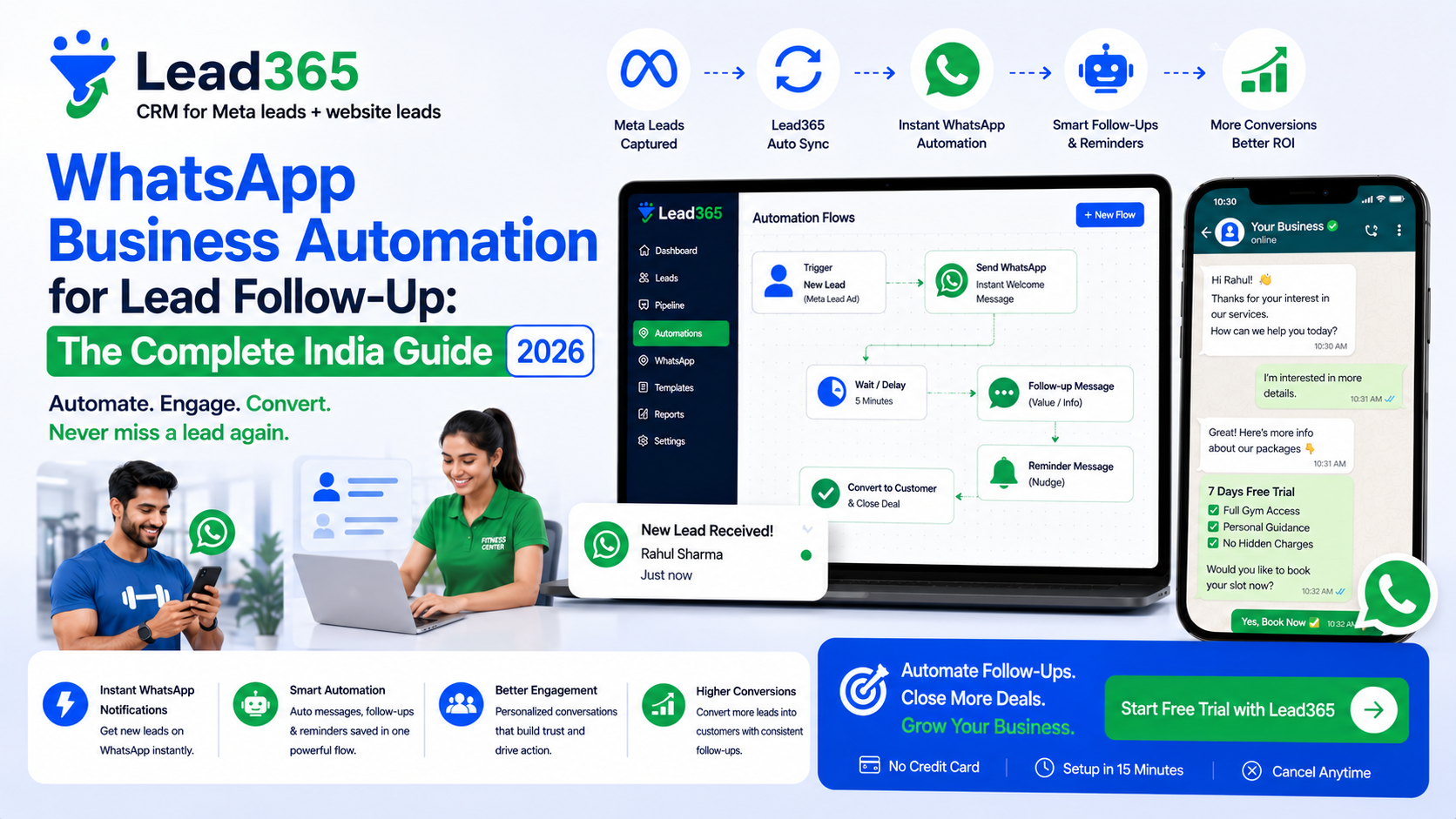
To understand how to implement this, you need to understand the four-step "Lead-to-Chat" logic:
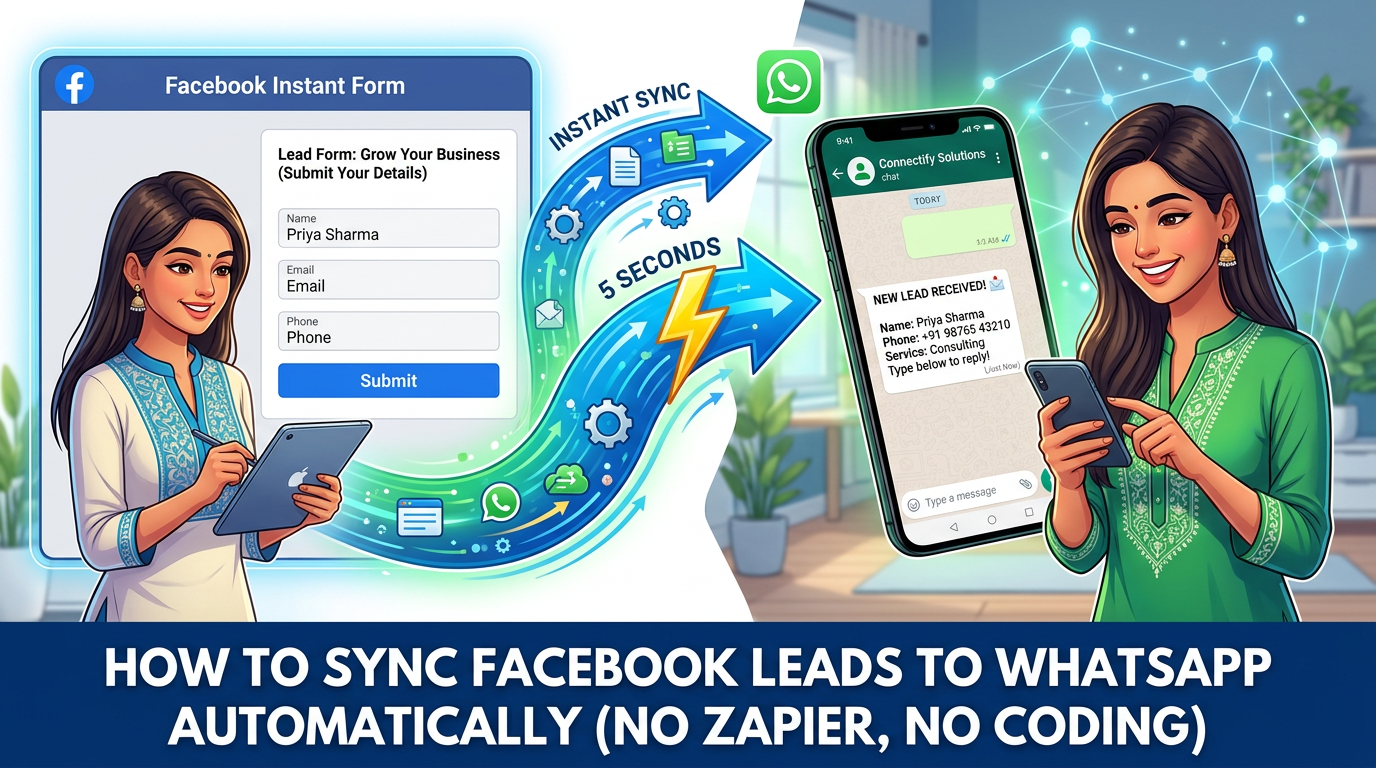
- The Trigger: A user fills out a Facebook Lead Ad or a Website Form.
- The Sync: A CRM or integration tool (like Lead365) pulls that lead data in real-time.
- The Template: The system selects a pre-approved WhatsApp Template (HSM - Highly Structured Message).
- The Delivery: Within 15-30 seconds, the message lands in the customer’s WhatsApp inbox.
Why You Can’t Use Your Personal WhatsApp App for This
Many Indian business owners try to use "WhatsApp Web" or "Broadcasting" on their personal apps. This is a mistake. Meta's AI is extremely strict. If you send 50 messages to people who haven't saved your number, your number will be banned within hours.
To automate, you must use the WhatsApp Business API. This is a professional-grade gateway that allows for high-volume, automated messaging without the risk of being banned.
The "Why": Impact of Speed-to-Lead on ROI
In our previous deep dive on The 5-Minute Rule, we discussed how response time dictates ROI.
In India, if you respond via WhatsApp within 1 minute:
- Your Contact Rate jumps from 40% to 90%.
- Your Cost Per Acquisition drops by nearly 50%.
- Your Brand Authority is established before the competitor even downloads the lead CSV.
15-Minute Setup: How to Automate WhatsApp Follow-Up in India
You don't need a developer. You can set up a robust WhatsApp automation lead follow-up India system in 15 minutes by following these steps:
Step 1: Sign up for Lead365 (2 Minutes)
Go to Lead365 and create an account. It is built specifically for the Indian market and comes with native Meta and WhatsApp API integrations.
Step 2: Connect Your Meta Business Account (3 Minutes)
Navigate to 'Integrations' and click 'Connect Meta.' This allows the system to "see" your incoming leads from Facebook and Instagram ads.
Step 3: Enable the WhatsApp API (5 Minutes)
Through Lead365, you can apply for the WhatsApp Business API. You will need:
- A dedicated phone number (that doesn't have a personal WhatsApp account active).
- A verified Meta Business Manager (though you can start even without full verification in some cases).
Step 4: Create Your Welcome Template (3 Minutes)
Draft a message like:
"Hi {{1}}! 🙏 Thank you for enquiring about {{2}} at [Business Name]. We have received your details. Our team will call you within 10 minutes. Meanwhile, you can view our catalog here: [Link]"
Once submitted, Meta usually approves these in under an hour.
Step 5: Activate the Sync (2 Minutes)
Map your Meta form fields to the WhatsApp template. Hit 'Save.' You are now live. Every lead you get will now receive an instant WhatsApp.
Best Tools for WhatsApp Automation Lead Follow-Up in India
When choosing a tool, the "Indian context" is everything. You need a tool that handles high volumes, poor internet connectivity for your sales team, and deep WhatsApp integration.
1. Lead365 (Best for SMEs & Real Estate)
- Pros: Native Meta Sync, built-in CRM, extremely affordable (₹99 trial), and focused on speed-to-lead.
- Focus: Converting leads into sales.
2. Wati / Interakt (Best for D2C)
- Pros: Great for customer support and shared team inboxes.
- Focus: Customer service and query management.
3. Zapier (Best for Tech-Savvy Teams)
- Pros: Connects almost any two apps in the world.
- Cons: Very expensive for Indian businesses; requires multiple subscriptions (Zapier + WhatsApp Provider + CRM).
Best Practices for WhatsApp Automation in India
To avoid being marked as "Spam" and to maximize conversions, follow these rules:
1. The "Consent First" Rule
Even though the customer filled a form, your first message should be polite. Always include an "Opt-out" option like "Type STOP to unsubscribe." This keeps your WhatsApp quality rating high.
2. Use Variables for Personalization
Don't send a generic message. Use variables to include the customer’s name and the specific product they inquired about. A message saying "Hi Amit, thanks for asking about the 3BHK flat" is 10X more effective than "Hi, thanks for your inquiry."
3. Send Rich Media
One of the biggest benefits of WhatsApp automation lead follow-up India is the ability to send:
- PDF Brochures: Great for Real Estate and Education.
- Video Testimonials: Great for Clinics and Gyms.
- Google Map Links: Critical for any business with a physical location.
4. The 24-Hour Window
The WhatsApp Business API allows you to send "Free-form" messages only if the customer replies. If they don't reply, you must use templates. Encourage them to reply by asking a question: "Would you like to see a demo video of our software?"
5. Combine with CRM Tracking
Automation is great, but human follow-up is still king in India. Use a system like Lead365 to notify your sales team after the WhatsApp is sent so they can make the call while the lead is browsing your brochure.
Industry Case Studies: WhatsApp Automation ROI
Real Estate Builder (Bangalore)
- Before: Manual calling from Excel sheets. 12% contact rate.
- After: Automated WhatsApp brochure sent within 10 seconds.
- Result: 45% contact rate and 2X more site visits in month one.
EdTech Startup (Mumbai)
- Before: Emailing syllabus to students. 5% open rate.
- After: WhatsApping syllabus + Link to a "Free Demo" video.
- Result: 85% document open rate and 3X more webinar attendees.
Multispeciality Hospital (Delhi)
- Before: Receptionist calling back after 4 hours.
- After: Instant WhatsApp with "Doctor's Profile" and "Book Appointment" link.
- Result: 40% reduction in patient acquisition cost.
Conclusion: The Future of Sales is Automated & Conversational
The Indian consumer has changed. They no longer want to be "sold to" over a cold call. They want to discover, research, and communicate on their own terms—which means they want to be on WhatsApp.
Implementing WhatsApp automation lead follow-up India is no longer a luxury for big brands. It is a survival tool for every SME that spends money on digital ads. By automating the "First Hello," you ensure that your business is always open, always responsive, and always ahead of the competition.
Ready to automate your follow-up?
Try Lead365 Free and get your first WhatsApp automation running in under 15 minutes. Start your ₹99 Trial today and turn your Meta leads into instant conversations!
Frequently Asked Questions.
The cost usually consists of three parts: (1) The platform fee (like Lead365's monthly plan), (2) The WhatsApp API conversation charges (Meta charges roughly ₹0.30 to ₹0.80 per conversation in India), and (3) The cost of the dedicated phone number. For an average Indian SME, this totals roughly ₹2,000 - ₹5,000 per month.
Yes. The "Green Tick" (Verified Badge) is for brand authority, but it is not required for automation. You can send thousands of automated messages with a standard WhatsApp Business API account as long as your "Quality Rating" remains high.
To avoid bans: (1) Always use the official WhatsApp Business API, (2) Only send messages to people who have opted-in (filled your form), (3) Avoid using highly "salesy" or "spammy" language in your first message, and (4) Ensure your first message provides genuine value (like a brochure they asked for).
For businesses running Meta Ads, Lead365 is the top choice because it combines the CRM, the Meta Sync, and the WhatsApp API into a single dashboard designed for Indian sales workflows.
Yes. By using a webhook or a native integration tool, you can sync Facebook Lead Ads directly to WhatsApp. This is the most common use case for real estate, education, and healthcare industries in India.
Ready to Stop Losing Leads?
Try Lead365 Pro for just ₹99. All features, 30 days, cancel anytime.
Start ₹99 Trial →